
How to Speed Up a Slow Smart Phone (Without Buying a New One)
/
image is a snail sitting on top of a tortise. The words, " Omg! Slow down! Yer gonna get us KILLED" is written on the image
If we're trying to use our phones for something other than doomscrolling devices, nothing gets in the way of trying to be productive like an annoyingly slow device.
Our patience for distractions tends to be higher than for tasks. So when we've finally decided to do that annoying task, and then the thing won't load?? That can turn our tasks into game-over.
You can also watch my video on this topic with iPhone-specific demos.
How to Speed up Your Smartphone:
1. Have fewer apps
Every app takes up a set of resources (some more than others). They have a schedule to fetch data and notifications, and apply machine learning or AI.
The fewer apps you have, the less space they take up and the less data to fetch for you or their own use. The less competition for those computing resources or to pull up the right thing when you're searching for something.
image shows a loading iphone screen
2. Reduce app permissions
For apps we want to keep but want fewer resources dedicated to, we can look at some resources each app has access to.
- You can turn off AI with the app (some, anyway)
- Should the device suggest this app or learn from it? (More on this on an iPhone here.)
- Notifications use some extra resources
- Live Activities (iPhone-specific) update regularly (that's the point!) and will go through more resources
- Background app refresh uses cycles if the app asks for it.
That's a lot to go through for every app. Maybe go through some of the apps likely to take up the most resources (social media, games, anything with ads in it) and do some light pruning.
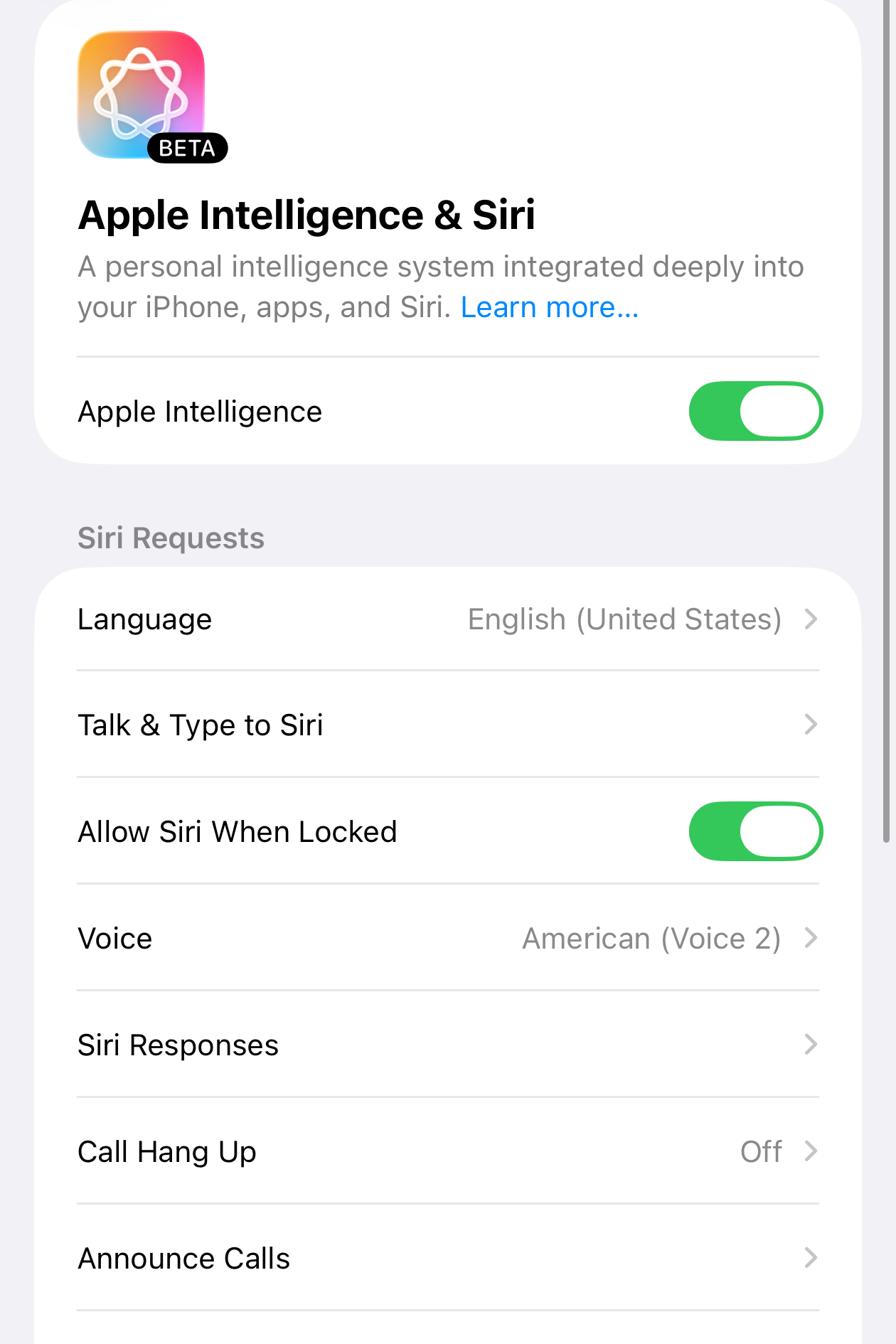
image shows the setting for Apple Intelligence & Siri
Graphics, Screen, and AI settings
For slightly older iPhone users, you might have seen some iOS 26 slowdowns when you updated. (I know I sure did!) They render those effects in real time-- that's not easy on your processor.
You could try to reduce transparencies and motions to free up some computing power. Though it may not be enough
And for folks with access to Apple Intelligence features who really don't use them, you can turn it off entirely.
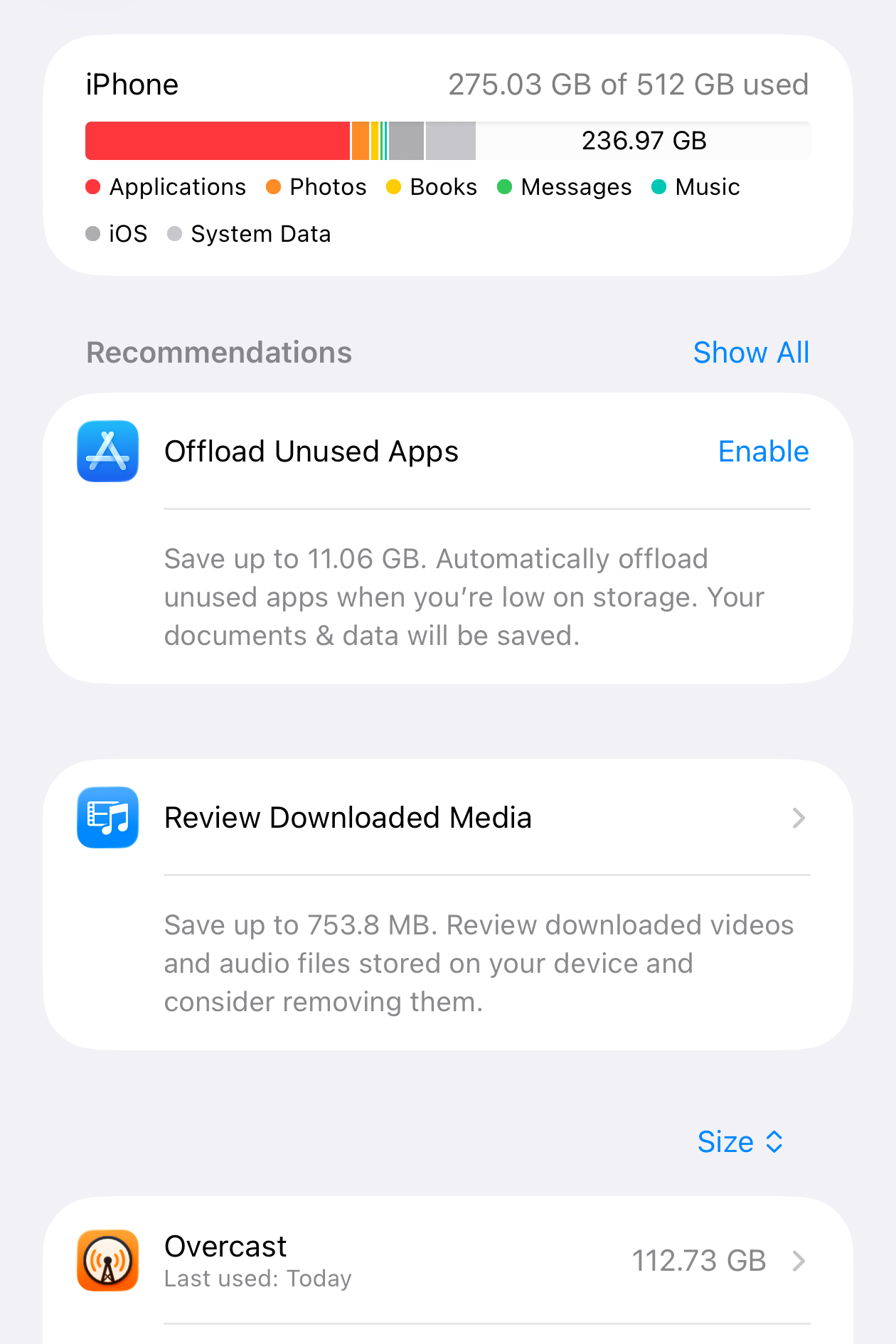
image shows the setting for iphone storage. The iphone has 275.03 GB of 512 GBs os storage used
Keep 10-20% of your storage free
Computers use storage to augment their active RAM and when they keep bumping up against storage limits everything slows down. Your phone gets slower when there isn't much space free for lots of reasons, but this is one of the more accessible reasons.
The official recommendations are lower (Apple says 1GB and Android 5%), but that's not what the nerds say is optimal and we're talking about speed.
Keep this in mind when you buy your next phone. Next time you buy, get one with enough storage not just to store passive data and movies to watch on the plane, but with wiggle room to expand and still work efficiently.
Time for an ad blocker?
I believe in ad models for content. The problem comes in with things like cross-site trackers used to gather data about us that are constantly doing things in the background. These can slow down browsing and chew through battery.
If you decide to use an ad blocker, just make sure it's a reputable one, because they can access a lot of what you're doing.
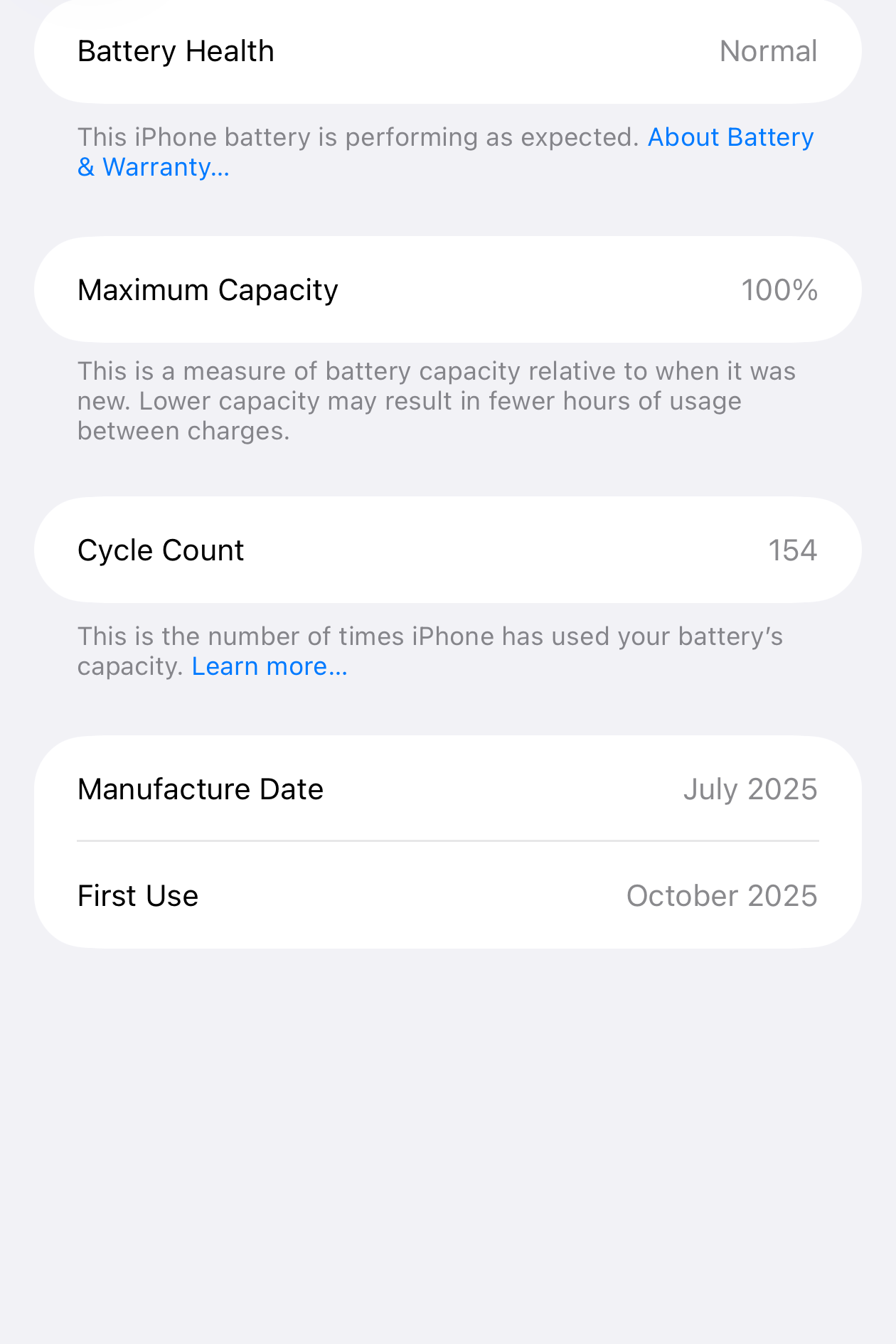
image shows the setting for battery health. The health of the iphone battery shows 100%
Bad battery?
Lithium Ion batteries only last so long. They get old and lose health and slow your device way down. None of the other steps will be enough if you have a bad battery.
Officially they recommend you replace your battery or device when it falls below 80%, but you might see slowdowns below 90% if you're a heavy user. If you get a battery replacement, just make sure it's from somewhere reputable.
Factory Restore?
This is a desperate move and should only be taken with care. There's a little more about this option in my original post and video on speeding up devices.
Final thoughts:
If your phone is working fine, file this away for "some day". Or check the easiest things first (battery, maybe?) to see what could use the most help.
Is there a step here you've been putting off -- and what's stopping you? Or do you have other thoughts?
--Brittany